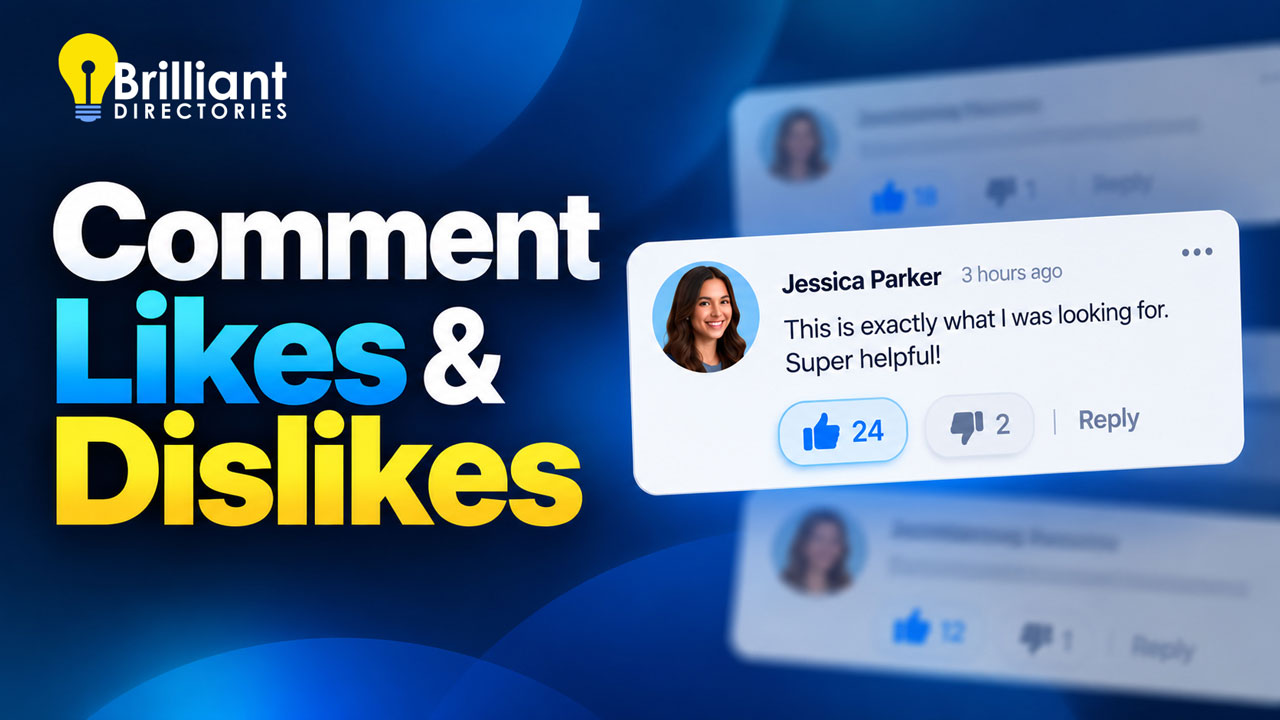
Make Your Website More Interactive with Comment Likes & Dislikes

Updated Oct 20, 2026 By Brilliant Directories
https://www.brilliantdirectories.com/blog/make-your-website-more-interactive-with-comment-likes-dislikes
Make Your Website More Interactive with Comment Likes & Dislikes

Register for the Next Webinar (We'll notify you via email)


Give Your Members a One-Click Way to Join the Conversation

Your members already like and dislike comments on Reddit, Facebook, and YouTube. Now they can do the same on your website. Comments on your posts can carry a thumbs up, or a thumbs up and a thumbs down, so members who read along without writing a reply still have a quick way to take part.

In the video above, you'll see members vote on comments, the best comments move to the top with the Most Likes sort, and the setting switched on in your admin area in about a minute.

Why It Helps Your Website

  • More members take part. A reply takes thought and a few minutes. A like takes one click, so members who would have scrolled past now leave a mark on the conversation.
  • The best comments rise to the top. Sort by Most Likes and the comments your members value most are the first ones a new reader sees.
  • Replies count too. Members can vote on replies as well as top-level comments, so a helpful answer deep in a thread still gets credit.
  • Voting stays fair. Each member gets one vote per comment and can switch or remove it at any time. Members can't vote on their own comments.
  • Visitors get a reason to log in. Logged-out visitors still see the counts, and clicking a thumb opens the login window, so a visitor who wants to weigh in is one step from signing in.

How to Turn It On

Likes and dislikes are off by default, and you choose the setting separately for each post type that allows comments.

  • Go to Interactions » Post Comments and click Comment Settings.
  • Select a post type from the menu on the left, such as your articles or discussions.
  • Find Enable Likes/Dislikes and change it from Disabled to Likes Only or Likes & Dislikes.
  • To open that post type's comments on the most-liked first, turn on Sort Comments by Most Likes by Default. Visitors can still pick a different sort order.
  • Repeat for any other post type where you want voting.

The Most Dislikes sort option appears only when a post type uses Likes & Dislikes. When two comments have the same count, the older one is listed first.

A Few Ways to Use It

  • Running a discussion board? Use Likes & Dislikes on your discussion posts and sort by Most Likes, so the most helpful answers sit at the top of each thread.
  • Publishing articles or a blog? Likes Only keeps the tone positive. Readers can back the comments they agree with, and there's no thumbs down.
  • Association or professional group? Turn it on for member news and announcements, so members can show agreement in a click instead of starting a reply chain.

The rest of your comment options, including moderation, follow notifications and editing, live in the same Comment Settings area. For the full rundown, read the Community Comments support guide. For more ways to keep members coming back, see the 5-part growth plan for why members join and stay and how to create engaging emails that bring people back to your website.

Ready to build your own membership or directory website? Start a free trial website today, book a live demo, or get in touch with our team.


Brilliant Directories Webinar Wednesday
Source: https://www.brilliantdirectories.com/blog/make-your-website-more-interactive-with-comment-likes-dislikes

Try the Free Demo

See How It All Works —
Instant Access to All Features

Start Free Demo

The Elevator Pitch Why Choose Brilliant Directories

We'll make it short and sweet:

  • We Know Membership Sites — We've taken care of all the heavy lifting so you can focus on growing your community.
  • Access to Expert Support — Our dedicated team works 'round the clock to quickly resolve any technical issues.
  • Trusted by 50,000+ Websites — With 15+ years of experience, we understand the unique needs of online communities.
Launch your idea today

Start Free Demo Now

Safe & Secure. Try it free for as long as you like.

You’re Almost There!

Enter your email below to watch the webcast
“6-Step Guide to Start Membership Websites”

75% Complete

.Setup-Guide-for-Membership-Websites.hubspot-form .hs_submit input{background-color:#f0552c!important;border-color:#f0552c!important;}
@-webkit-keyframes progress-bar-stripes{from{background-position:40px 0}to{background-position:0 0}}
@keyframes progress-bar-stripes{from{background-position:40px 0}to{background-position:0 0}}

function move() {
var elem = document.getElementById(“myBar”);
if (!elem) return;
var width = 0;
var id = setInterval(frame, 12);
function frame() {
if (width >= 75) {
clearInterval(id);
} else {
width++;
elem.style.width = width + ‘%’;
}
}
}
setTimeout(move, 150);

$(window).on(‘load’, function() {
hbspt.forms.create({
css: ”,
portalId: ‘1750646’,
target : ‘.Setup-Guide-for-Membership-Websites’,
formId: ’91e7e90a-c569-429c-891f-7e8e4dc246c7′
});
});

We hate SPAM and promise to keep your information safe.

BD Helpbot- Your AI Helper

Trained on our support docs to answer setup & how-to questions instantly.

Start Free Demo – 100% Full Access

$(window).on(‘load’, function() {
hbspt.forms.create({
css: ”,
portalId: ‘1750646’,
formId: ‘b1af8979-1e85-4baf-834a-2bb39f983b4c’,
target : ‘.main-demo-pop-up’
});
});

.free-seven-day-trial form > div:nth-child(3) label span::after {content: “- free trial sent here” !important}

START 7-DAY FREE TRIAL

Register FREE for instant access to start your website

$(window).on(‘load’, function() {
hbspt.forms.create({
css: ”,
portalId: ‘1750646’,
target : ‘.free-seven-day-trial’,
formId: ‘077b77dc-aea6-41c9-91bf-de37ba8ebbf2’
});
});

Safe & Secure.

Start 7-Day Free Trial – Full Access

$(window).on(‘load’, function() {
if (typeof hbspt !== ‘undefined’) {
hbspt.forms.create({
css: ”,
portalId: ‘1750646’,
formId: ‘077b77dc-aea6-41c9-91bf-de37ba8ebbf2’,
target: ‘.free-seven-day-blog-cta’,
inlineMessage: ‘Getting Things Ready for You. Launch Your Site on the Next Page. One Moment Please…’,
onFormSubmit: function($form) {
setTimeout(function() {
var formData = $form.serialize();
if (formData) {
top.location.href = “https://directory.brilliantdirectories.com/api/widget/get/html/hubspot-redirect?” + formData;
}
}, 2000);
}
});
}
});

.contact-us-pop-up p {color:#000!important;font-family: ‘open sans’,arial,”Helvetica”,sans-serif!important;}

👋 Send A Message Below

$(window).on(‘load’, function() {
hbspt.forms.create({
css: ”,
portalId: ‘1750646’,
target : ‘.contact-us-pop-up’,
formId: ‘538bcf96-4be9-44ae-9471-996030d9bfe2’
});
});









