Register for the Next Webinar (We'll notify you via email)
Your Homepage Search Should Match What People Came For
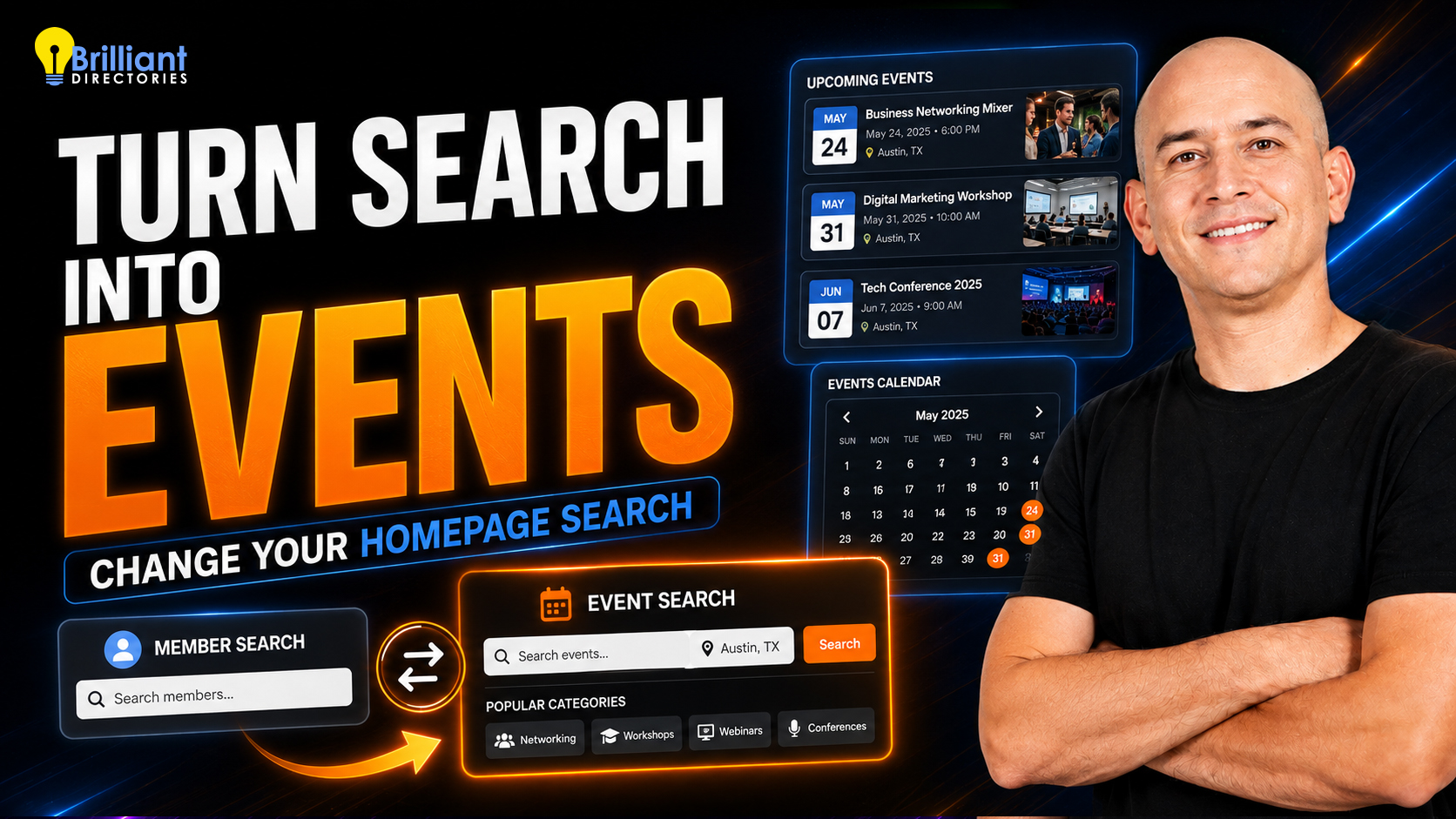
The search box in your homepage hero section is the first thing most visitors interact with — and by default it searches your members. But that's not always what your audience is looking for. If your site has filled up with events, jobs, articles or classifieds, you can point that search at any of it instead, in about a minute, with no coding.
In the video above, Rick switches a fitness directory's homepage search from members to events, so visitors land on the site and immediately search upcoming classes and workshops instead of business listings.
Why This Matters for Your Website
- Lead with your strongest content. If your events calendar is the busiest part of your site, put it front and center instead of burying it in the menu.
- Fewer dead-end searches. Visitors search for what you actually have, so they get results on the first try — and stay longer.
- Your hero section, your call. The same setting lets you swap in a lead-capture "Get Matched" form, add button links, drop in custom content or an image, use a global site-wide search, or hide the search box — or the entire hero — altogether.
- Match the search fields to your niche. Category and location, keywords, sub-categories — mix and match the combination that fits how your visitors actually think.
- Change it back any time. It's a dropdown, not a rebuild. Run events during your busy season, switch back to members when it's over, or test which one converts better.
A Few Ways to Use It
- Association or chamber? Make your event calendar the homepage headline in the run-up to a conference.
- Job board? Let visitors search open roles the second they arrive.
- Chasing leads over browsing? Replace the search entirely with a lead form and turn your homepage into a conversion-focused hero section.
You'll find everything under Settings » Design Settings » Homepage. For the full list of options, see the Search Box / Call To Action support document, or read up on adding custom CTAs to your homepage hero section.
Ready to build a website you can reshape whenever you want? Start a free trial website today, book a live demo, or get in touch with our team.











