Register for the Next Webinar (We'll notify you via email)
This Tip of the Week covers topics including:
- 00:00 - What BD Butler Scheduled Skills Can Do
- 02:58 - Create and Schedule an AI Task
- 05:08 - Manage Routines and Completed Tasks
- 06:13 - AI-Generated Events, Jobs, Images and Links
- 09:08 - What’s Next for BD Butler AI Automation
- 11:28 - Launch Your First Scheduled Skill
AI Website Automation Is Now Built Into BD Butler: Scheduled Skills & Routines
For the last couple of months we’ve shown you how to automate content on your directory or membership site by connecting third-party tools — Claude, Codex, n8n, Cursor — to your site through the Brilliant Directories MCP server. Those workflows are powerful, but they live outside your admin. This release brings that same power inside your Brilliant Directories dashboard.
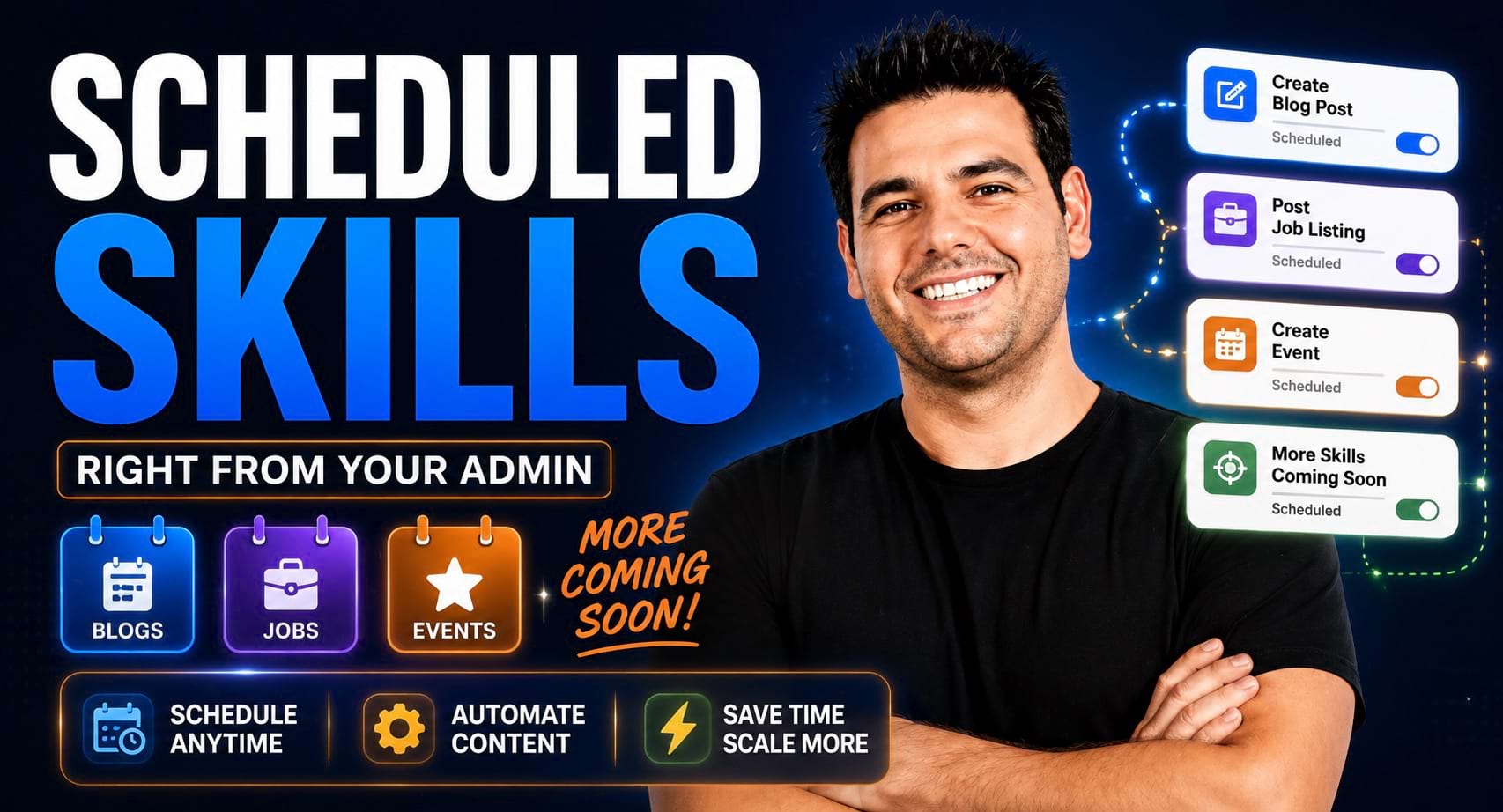
Meet BD Butler Scheduled Skills. BD Butler can now do roughly 99% of what the MCP can do — because it’s wired to the exact same technology — and it can do it on a schedule, all by itself, with no third-party account, no API keys, and no code. You set the job once, and BD Butler creates real content on your site while you sleep.
What “Scheduled Skills” Actually Means
A skill is a job BD Butler knows how to do end to end. A routine is that skill saved with a schedule — a standing instruction that fires on the cadence you choose, again and again, until you tell it to stop.
The important part is what happens behind the scenes. This is not an AI making things up. Each skill runs live web searches, finds real events, real job openings, and authoritative sources for blog posts, pulls in relevant stock images on its own, and wires up the internal links across your site plus outbound links to official sources. Because it fetches real-world data instead of manufacturing it, each task takes roughly four to six minutes to complete — that’s the research working for you.
The Three Skills Available Today
Anywhere you see the BD Butler button in your admin you’ll now find a Tasks tab. Click New Task and you can choose from the first three skills:
- Create a Blog Article — researches a topic in your niche, drafts an SEO-focused article in your site’s voice, finds an image, and adds internal links plus authoritative outbound links.
- Create an Event Post — finds a real, current event, writes it up with full meta detail, attaches a fitting image, and links to the official event page.
- Create a Job Listing — hunts the web internationally for genuine openings in your vertical, formats the listing, and links to the original employer’s page.
These are phase one — the fun, easy wins. They’re also just the tip of the iceberg (more on what’s coming below).
Who This Is For
- Owners who can never keep up with publishing — if writing three to five quality posts a week forever is the thing that never happens, this closes that gap.
- Industry & association directories that want to be a genuine resource hub with a live events feed and job board.
- Niche job boards — sourcing real jobs is hard; BD Butler is trained to find them across industries and regions.
- Anyone who left the MCP or a third-party tool on the table because connecting it felt like too much — this needs none of that.
What You Need Before You Start
- A Brilliant Directories site with BD Butler available in your admin (look for the BD Butler button — it’s replacing Quick Create in more places).
- An author on your site to attribute posts to (you’ll pick one per task).
- A rough idea of the topics or genre you want — optional, but a one-liner of custom instructions goes a long way.
How to Set It Up — Step by Step
1. Open Tasks and start a new task
Click the Tasks tab at the top of BD Butler, then New Task, and choose one of the three skills.
2. Set the basics
Pin the post to the author you want, and set it to Publish or Draft mode — draft first if you’d like to review before anything goes live.
3. Add your flavor with custom instructions
This is optional but powerful. Give it a topic or angle — a broad, repeatable theme works best since a routine runs on repeat. For a fitness site you might write:
Write an article about working out during winter — strength training, cross-country training, and staying active in the cold.
4. Choose how many to create
Generate one, two, or three items per run.
5. Run once, or put it on a schedule
Choose Run once now for a quick test, or schedule it: every hour, every day (it runs at 8am in your time zone), or weekly on specific days — say Monday, Wednesday, and Friday, so you can run different content themes on different days.
6. Save it as a routine
Any time you pick something other than “run once,” you can save it as a routine. Give it a nickname (like “Demo Blogs”), let it run forever until you cancel, or cap the runs — do this exactly 10 or 50 times and stop.
7. Manage it from the Routines tab
Every saved routine lives in the Routines tab, where you can start or stop it, clone it (and tweak the instructions for a variation), do a one-off Manual Run, or edit it so the next run reflects your changes.
8. Watch it work in Tasks
Completed and running tasks show up in the Tasks list with how long each took — typically three to nine minutes. It’s truly set-and-forget: close BD Butler and reopen it whenever you like; your tasks keep running. When one finishes, it toggles open to show the result — a link to what was created, the meta details, and the original custom instructions you gave it.
Use Cases Demonstrated Live in the Video
Event posts with real details and images
The events skill pulls as much meta detail as it can, auto-generates a fitting image, and does all the internal linking across your site — then links out to the official event page. In the demo it produced three event posts in a single run: a Shoreline Marathon in Ventura Beach, a Bay Area Fit Fest, and a boxing sparring day in San Francisco — each with a great photo and a clean write-up that links straight to the source.
Job listings sourced from around the world
Jobs turned out to be a standout. BD Butler is trained to hunt the internet internationally for genuine openings in different verticals and niches — a group fitness instructor role at the Mayo Clinic, a personal trainer position at a Chicago Equinox. The stock photos it finds on its own fit the post remarkably well, and each listing links both to related pages on your site (a yoga instructor’s profile, for example) and to the official employer page — exactly the mix of internal and authoritative outbound links Google and AI favor.
Blog series on a schedule
Point a routine at a broad theme tied to your categories and wake up to a finished series. One week could be strength training, the next cross-country training — fresh, on-topic articles building quietly while you sleep.
Why This Matters for Directory & Membership Sites
- It’s native — no third-party account, no API keys, no code. Everything happens in your admin, hooked to the same engine that powers the MCP.
- Fresh content, consistently — the “recently updated” signal Google watches stays strong without you touching a keyboard.
- Real data builds authority — because each post cites real events, real jobs, and authoritative sources, your site reads like a genuine resource hub, not an AI content farm.
- Internal links compound — every new post strengthens the link graph tying your members, categories, and pages together.
- You stay in control — draft mode, custom instructions, run caps, and one-click stop mean nothing happens that you didn’t set up.
What’s Coming Next
Content creation is the fun, easy part — but routines are really a virtual assistant that can help grow your site. On the roadmap:
- Member enrichment — find members missing a phone number or website URL and do its best to hunt down and fill that information for you.
- Spotlight articles & outreach — identify premium or prospective members, write an outstanding spotlight, and email them to start the relationship — all while you sleep.
- Save your own skills — because BD Butler can already do nearly everything the MCP can, you’ll be able to save your own routines for member updates and modifications we haven’t even thought of yet.
- Automated reports — “every Monday, email me a report with my newest members, last week’s revenue, and refunds.” Done.
- SEO content enrichment — filling out and strengthening existing pages, not just publishing new ones.
- Social promotion — pairing a new event or listing with a social post that shouts out the organizers, turning content into relationships.
Where to Be Careful
- Start in Draft mode for a new skill or topic so you can review the voice and quality before publishing automatically.
- Occasional timeouts happen — AI tasks can time out. When that happens you get an alert explaining what occurred, credits aren’t consumed, and you can simply rerun the task.
- Give repeatable routines a broad theme — a narrow one-off instruction gets stale on repeat; a genre or category-aligned theme keeps the series fresh.
- Let long tasks finish — four to six minutes per item is the research doing its job; it’s fine to close BD Butler and come back later.
How to Get Started
- Open BD Butler in your admin and click the Tasks tab.
- Hit New Task, choose Create a Blog Article, and pick an author.
- Do a Run once to see what it can do — add a one-line custom instruction to steer the genre if you like.
- Happy with the result? Turn it into a routine with a schedule and let it run hands-off.
This is phase one — and we’re building version two based on your feedback. If you want the third-party version of this story too, revisit Claude Code Routines with the MCP server, and pair it all with the monetization features built into BD.











