Register for the Next Webinar (We'll notify you via email)
Every Word on Your Website Is Yours to Change
Nothing on the front end of your Brilliant Directories website is locked in. That "About" heading on a member profile, the wording on your buttons, the labels on your forms — they're all text labels, and you can rewrite any of them in a few seconds. No code, no developer, no support ticket.
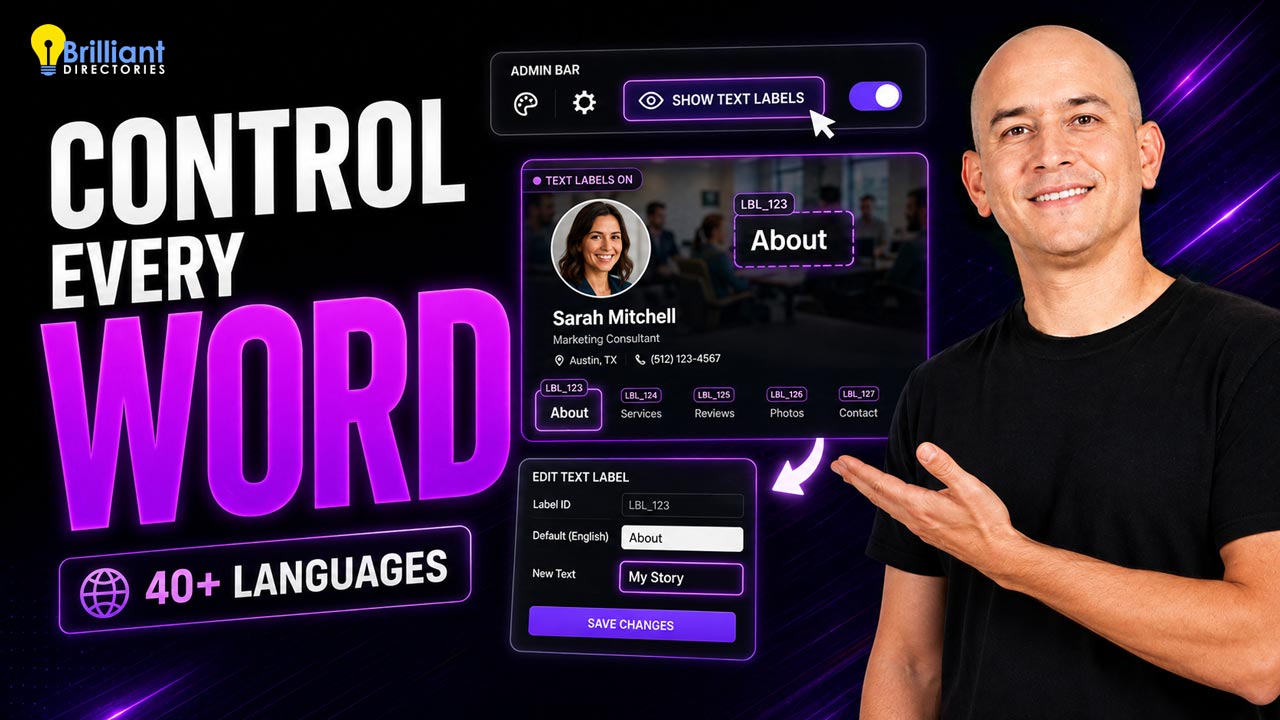
In the video above, Rick shows the shortcut that makes this easy: while you're browsing your live site, the admin bar has a Show Text Labels button. Turn it on, and every editable piece of wording on the page is revealed. Click the one you want, change the text, save — and it's updated everywhere on your site. This support guide walks through the same trick: How to Locate Text Labels on the Front End of a Website.
Why This Matters for Your Website
- Your site sounds like your niche, not like software. Call them members, vendors, artists, contractors, chapters or practitioners — whatever your audience actually calls themselves.
- Clearer wording means more sign-ups. Small changes to buttons, headings and form labels remove confusion and help visitors take the next step. Even your navigation labels are worth a second look.
- No waiting on anyone. Spot an awkward phrase at 9pm and fix it yourself in under a minute.
- Change it once, change it everywhere. Edit a label and it updates across every page that uses it — no hunting through templates.
- Your whole site, in another language. Text labels are also how your website gets translated — with 40+ languages available to choose from, plus right-to-left text support for languages that need it.
Going Global
If your audience doesn't browse in English, you're not stuck. Auto-translating your text labels turns the entire front end of your website — including member dashboards and automated emails — into the language your visitors actually speak. Our guide on how to translate your Brilliant Directories website covers the full list of supported languages, and the Google Website Translator add-on lets visitors pick their own language from a dropdown.
For a full tour of the Text Labels section in your admin area — including how to search for a label and how to auto-translate them — see the Settings » Text Labels support document.
It's a small feature that quietly does a lot: your website stops sounding generic and starts sounding like yours.
Ready to build a website you control down to the last word? Start a free trial website today, book a live demo, or get in touch with our team.











