
AI SEO for Websites: Strategies Worth Using
AI can support directory website SEO by helping organize keyword research, improve category and location pages, strengthen internal linking, identify thin content, and speed up rep
Continue reading
AI can support directory website SEO by helping organize keyword research, improve category and location pages, strengthen internal linking, identify thin content, and speed up rep
Continue reading
AI can organize a member resource library by sorting existing materials, recommending categories, rewriting unclear titles, generating descriptions, and adding useful search terms.
Continue reading
AI-powered member onboarding does not have to mean automating every welcome email or account task. A more useful approach is to give new members AI-assisted activities, prompt temp
Continue reading
AI can help identify navigation labels that are vague, inconsistent, or difficult to distinguish from nearby options. It can then suggest clearer wording based on the destination p
Continue reading
AI can help write claim listing email campaigns that are clear, specific, and easier to personalize at scale. The best emails explain which listing exists, why the recipient is bei
Continue reading
AI content can help website owners create drafts faster, but it should be cleaned up before publishing. The best cleanup process checks facts, removes generic wording, improves sca
Continue reading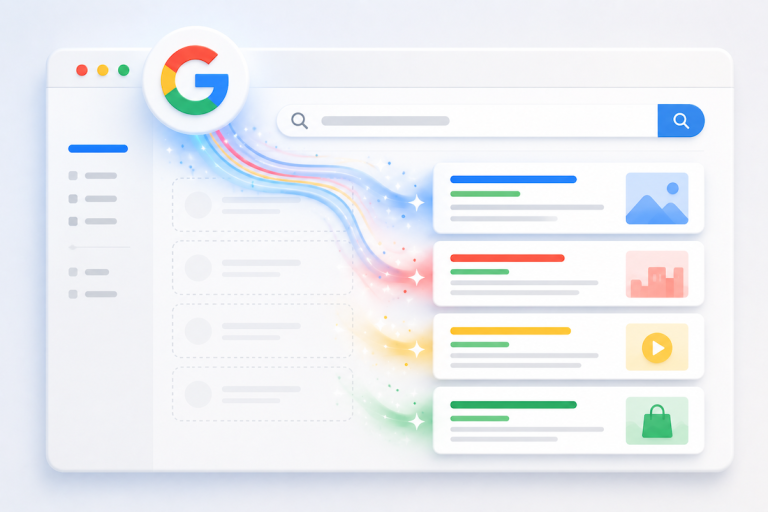
Google Search Assist is an add-on for Brilliant Directories websites that replaces empty member search results with related results from Google. When a visitor searches for a membe
Continue reading
Repurposing website content into social posts means taking content that already exists on a website and turning it into smaller, easier-to-share pieces for platforms like Facebook,
Continue reading
AI can help structure better landing pages by organizing the page around one clear goal, one audience, and one logical decision path. Instead of using AI only to write copy, use it
Continue reading
You do not need a full survey to learn what visitors, members, or customers think. Micro-polls, emoji reactions, comment boxes, and quick feedback prompts work because they ask for
Continue reading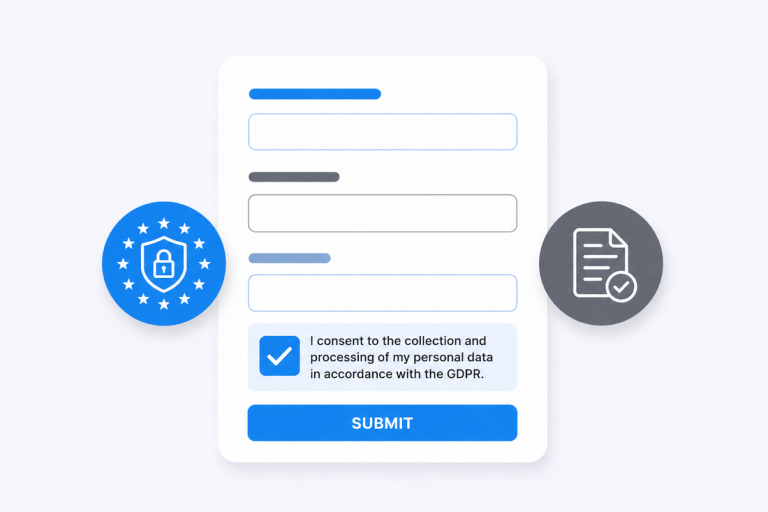
The GDPR Consent Fields Plugin helps website owners collect clear consent before visitors submit personal information through website forms. It adds editable consent checkboxes to
Continue reading
AI can help write clearer membership tier descriptions by turning a list of features into benefit-focused copy that explains who each plan is for, what members receive, and why one
Continue reading
This Tip of the Week covers topics including: 00:00 - Introducing Claude Code Routines for Brilliant Directories 01:15 - What a “routine” is and why it changes everythi
Continue reading
The "Claimable Business Listings" plugin lets business owners take over a profile that already exists on a directory website. Instead of asking every business to sign up from scrat
Continue reading
AI can make starting an online directory much easier when it is used for planning, writing, editing, organizing, and improving website content. The goal is not to let AI create a g
Continue reading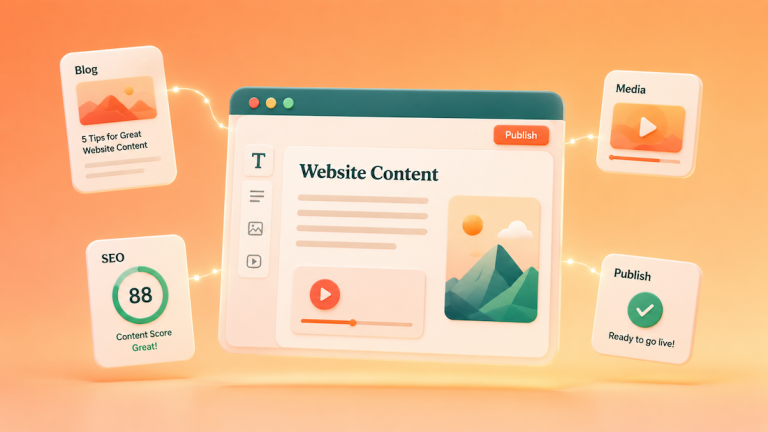
The best AI tools for content-rich websites help website owners write better pages, refresh old content, improve SEO, create visuals, and keep messaging consistent. Most websites d
Continue reading
The best platforms to create a directory website with AI are the ones that combine directory structure, member profiles, search, payments, content tools, and AI-assisted setup in o
Continue reading
"Side-by-Side Pricing Plans" Plugin gives Brilliant Directories websites a cleaner way to display membership plan options in horizontal columns. Instead of asking visitors to scrol
Continue reading
A content request form gives users a clear way to ask for new website content, page updates, resource ideas, or publishing support. Instead of collecting vague requests through ema
Continue reading
“SSL Secure Website” Plugin secures the connection between a website and its visitors. In practical terms, it changes a site from HTTP to HTTPS, shows the padlock in the browse
Continue readingSafe & Secure. Try it free for as long as you like.










