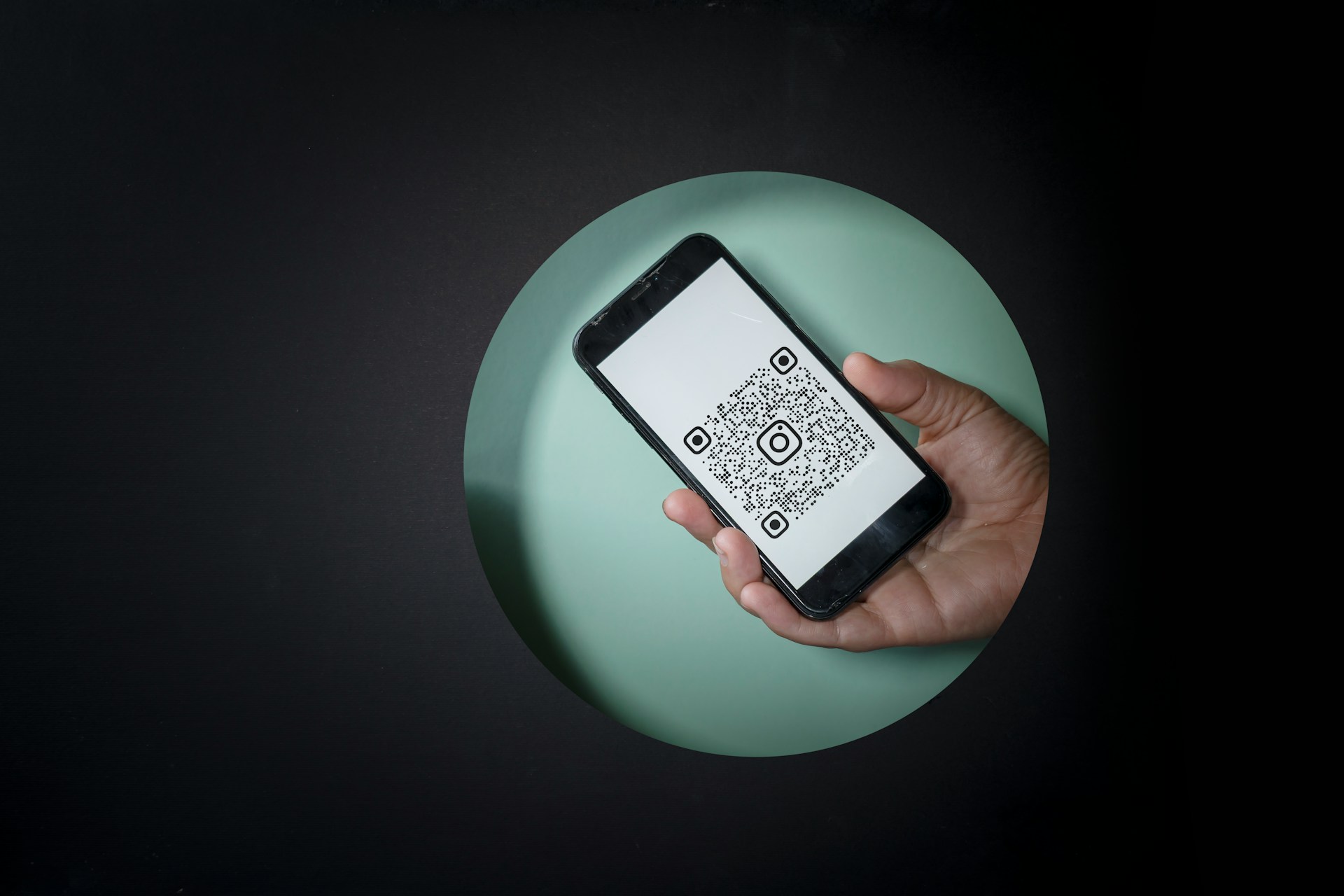
QR codes are a simple way to make your website more useful — without adding complexity. This article covers three effective ways to use QR codes: linking to downloads like PDFs or event flyers, directing people to sign-up forms for faster conversions, and sharing contact info through virtual business cards. Tools like qr-code-generator.com, goqr.me, HiHello, and Beaconstac make it easy to set these up in minutes.
QR codes have quietly made their way back into mainstream use — not just on packaging or restaurant tables, but on websites of all kinds. And here’s the twist: they’re now showing up in smarter, more intentional ways that support downloads, signups, and even networking. They take less than a minute to create, but they can unlock seriously smooth experiences across devices.
Take a look at local event pages, for example. More organizers are adding QR codes to downloadable flyers so attendees can scan and save details directly to their phones without typing a thing. The convenience is unmatched, and the setup? Surprisingly simple. Whether you’re a site owner, a membership community builder, or someone just testing out new features, using QR codes is one of the easiest wins you can add without breaking a sweat.
What are the most effective ways to use QR codes on a website?
You don’t need any special hardware or expensive plugins to make QR codes work. All it takes is a link, a QR code generator, and a little creativity. Here are three ways to make them useful right now — each one geared toward something your visitors already want to do.
Let’s break it down with real examples, tools, and a few tricks that make setup easier. If you’ve been avoiding QR codes because they seem clunky or outdated, this will change that perspective.
- Use them to link desktop content to mobile access.
- Capture attention in live or shared-screen situations.
- Offer contactless ways to connect without needing to copy and paste.
1. How can you use QR codes to offer quick downloads?
This works incredibly well for websites offering checklists, PDFs, flyers, or other one-page guides. Most people are browsing from a computer, but they might want to save the resource to their phone for later.
Here’s the play: upload your file to your site or file hosting service, grab the direct URL, and use a free tool like qr-code-generator.com or goqr.me to instantly create your QR code. Then embed that QR on your thank-you page, download confirmation message, or even in your sidebar. That way, users can scan and grab it again from another device.
We saw one membership site that runs local parent resources do this with school event flyers — adding a QR code so parents can quickly access it on their phones for check-in at the door. No more email digging.
- Use QR codes to distribute downloadable resources quickly.
- Add them to confirmation screens or support articles for easy re-access.
- Make them scannable from desktop for mobile convenience.
2. Can QR codes help increase email or membership signups?
Absolutely — especially in situations where your site or screen is being shown to a group of people, like during workshops, webinars, or in-person presentations.
If you have a signup form, newsletter opt-in, or referral program, create a QR code that links directly to the signup URL. Then display that code on your homepage, a popup, or any place where visitors might already be considering registration. At live events, just show the code on a slide or monitor, and let users scan to sign up right there.
This is especially helpful for community sites or associations that grow through referrals or real-world conversations. Instead of saying, “Go to oursite.com/signup,” you can just point to the code and say, “Scan here.”
- Create a QR code linking to your registration form.
- Place it in places where screen sharing or live events happen.
- Use it as a referral tool during meetups or small group events.
3. How do you add a QR code as a digital business card?
This one is perfect for consultants, coaches, freelancers, or anyone building authority online. A QR code can act as a personal contact bridge — think vCards, LinkedIn profiles, or even pre-filled email drafts.
Add a scannable QR to your site’s “About” page, contact section, or in a floating widget. You can even include it in your email signature or as a contact option inside your member dashboard. When someone scans it, they instantly save your details to their phone — no extra steps, no typos.
Advanced tools like HiHello or Beaconstac let you create dynamic contact cards that can be updated after they’re printed or shared. That means if your phone number or social handles change, you don’t have to regenerate anything. Just update your profile, and the code stays the same.
- Use QR codes to share your vCard or LinkedIn directly.
- Place them on profile pages, footers, or sidebars for easy access.
- Use a dynamic card tool to make updates in the future.
What are common challenges when adding QR codes to a website?
Even though creating a QR code takes less than a minute, there are a few stumbling blocks that can throw people off — especially if it’s their first time adding one to a site. The good news? Every challenge has a fix, and most of them are simpler than expected.
One common issue is not testing the code across devices. It might look great on desktop but be hard to scan on mobile or low-res screens. Another is linking to the wrong type of content — like a page that’s not mobile-friendly or an outdated file. And finally, many forget to label or explain the QR code, which leads to confusion about what it does.
Here’s how to avoid all that and make your QR code strategy actually work:
- Always preview your QR codes on different screens to ensure clarity and scan accuracy.
- Use short, mobile-friendly URLs behind the QR code so the page loads fast and displays well.
- Add a small caption near each QR code that tells users exactly what they’ll get when they scan.
Make your website instantly more useful — no coding needed
QR codes are one of those features that look technical but don’t require any special skills to use. Whether you're offering downloads, building your list, or sharing your contact info, they help bridge devices and simplify access for your users. And when placed thoughtfully, they can encourage more engagement with the parts of your site that matter most.
- 1. Quick Downloads: Let users scan and save content across devices.
- 2. Instant Signups: Turn any screen into a live signup tool.
- 3. Digital Business Cards: Make saving your info frictionless and fast.
You don’t need a design team or custom code to make this happen. Start with just one QR code for something useful — even if it’s just linking to a PDF or a signup page. With the right placement and a quick test run, you’ll be surprised how helpful it becomes. Try it out and start your 7-Day Free Trial with Brilliant Directories to make it even easier.










