Help Visitors Find Local Members With a Clickable Map
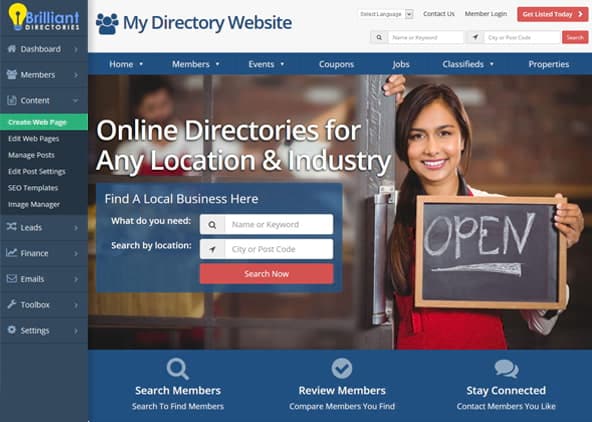
Many visitors come to your website looking for someone near them. Homepage Clickable Maps puts a map of your country right on your homepage, so they can click their state or province and see the member listings in that area. No typing needed: they simply select where they are.
The map takes the place of the main search box at the top of your homepage. Choose from eight maps: the United States, Canada, the United Kingdom, South Africa, Australia, New Zealand, Europe and Germany. Then set the background color behind the map and add a sidebar beside it if you’d like. It’s best suited for websites whose members are all in one country.
Key Features & Benefits
- Show a clickable map of your country at the top of your homepage, in place of the standard search box
- Let visitors click their state or province to see the member listings in that area
- Choose from eight maps: United States, Canada, United Kingdom, South Africa, Australia, New Zealand, Europe and Germany
- Set the background color behind the map to match the look of your site
- Add an optional sidebar beside the map and choose which side it appears on
- Turn it on and change maps anytime from your Design Settings in a few clicks
How It Works
- Open your homepage settings. Go to Settings » Design Settings and click the Homepage tab.
- Choose your map. Expand Search Box / Call to Action, open the Select Call to Action menu and select your map, such as Clickable USA Map.
- Fine-tune and save. Pick a map background color, add a sidebar if you’d like, and save your changes. Visitors can now click their state or province right from your homepage.
Is This Add-On Right for You?
It’s a great fit if you answer “yes” to any of these questions:
- Are your members located in one country, or across Europe?
- Do your visitors usually look for members by state or province?
- Would you like a homepage that invites visitors to click a map instead of typing a search?
Tips for Using Clickable Maps
- Pick the map that matches your members. The add-on works best when your members are in the country or region the map shows.
- Showing the map on another page? Its options still live in Search Box / Call to Action on the Homepage tab, so select the map there temporarily whenever you want to edit them.